

Less paperwork. More people.
Attendance, leave, payroll, recruitment and performance across every company, branch and department you run — with an AI assistant that answers questions and updates records in plain language.
Self-hosted AI — your people data never leaves your servers
HIRE
MANAGE
PAY
Ask, don’t dig
Ask the way you’d ask a colleague — who’s on leave next Tuesday, what we paid the Lahore branch last month, which offers are still unsigned — and the assistant answers from your live records, inside the permissions the person asking already has.
“How many people are on probation in Engineering, and when does each one end?”
HR Assistantanswers from your own database
Attendance that closes itself
Punches arrive from your ZKTeco readers, land on the right shift and roll into payroll without anyone retyping a timesheet. Corrections go through a request with an approver on it, so the month closes on records, not on memory.
- Biometric punches, web and mobile — each marked by source
- Shift rosters, night shifts and overtime per branch
- Regularisation requests with a named approver
- Leave balances that accrue by your own policy
- Holiday calendars per company and location
- Payslips built from the same attendance numbers
Everything HR touches, together
People, onboarding, documents, assets, attendance, leave, payroll, recruitment, performance, tasks, help desk, expenses, reports and audit — one employee record underneath all of them. Hire someone once and every module already knows who they are.
“Add Ayesha Khan to the Karachi branch as a designer, starting Monday.”
HR Assistantwrites back through the same rules
MODULES
MODULES
MODULES
MODULES
MODULES
MODULES
Employee Management
HR Assistant
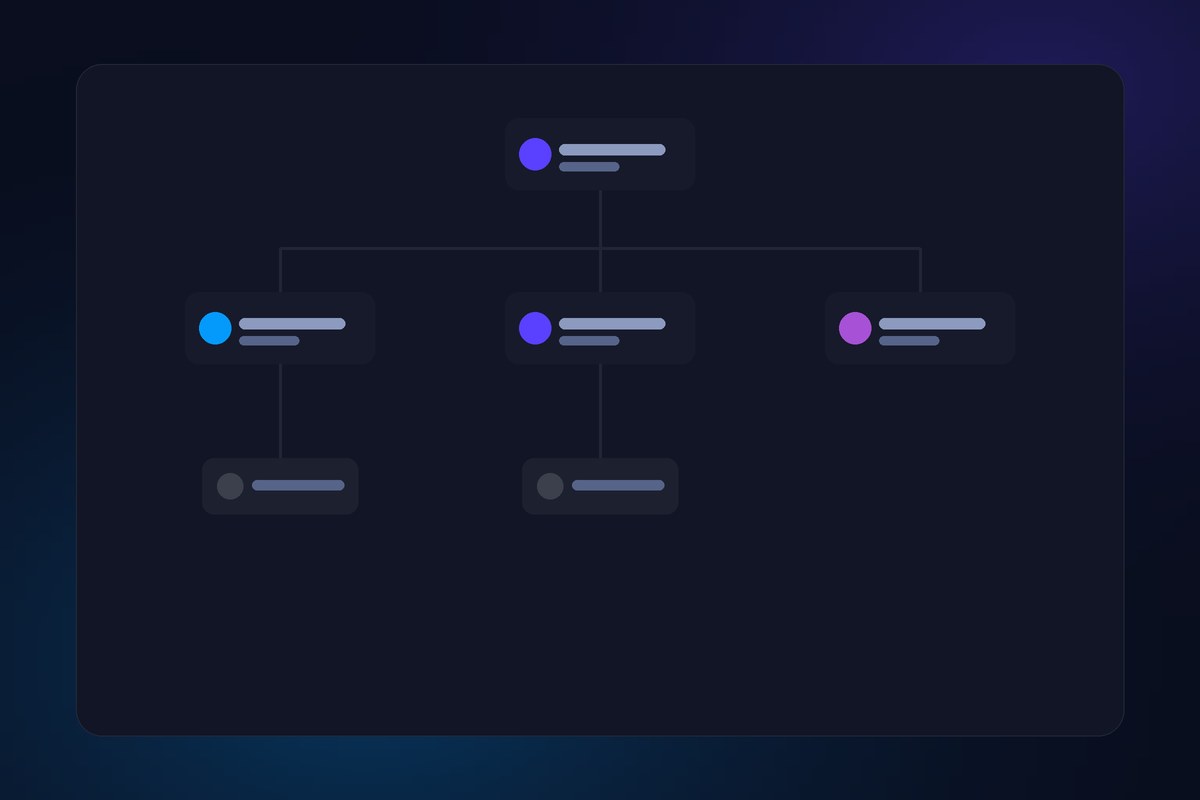
Organization Structure
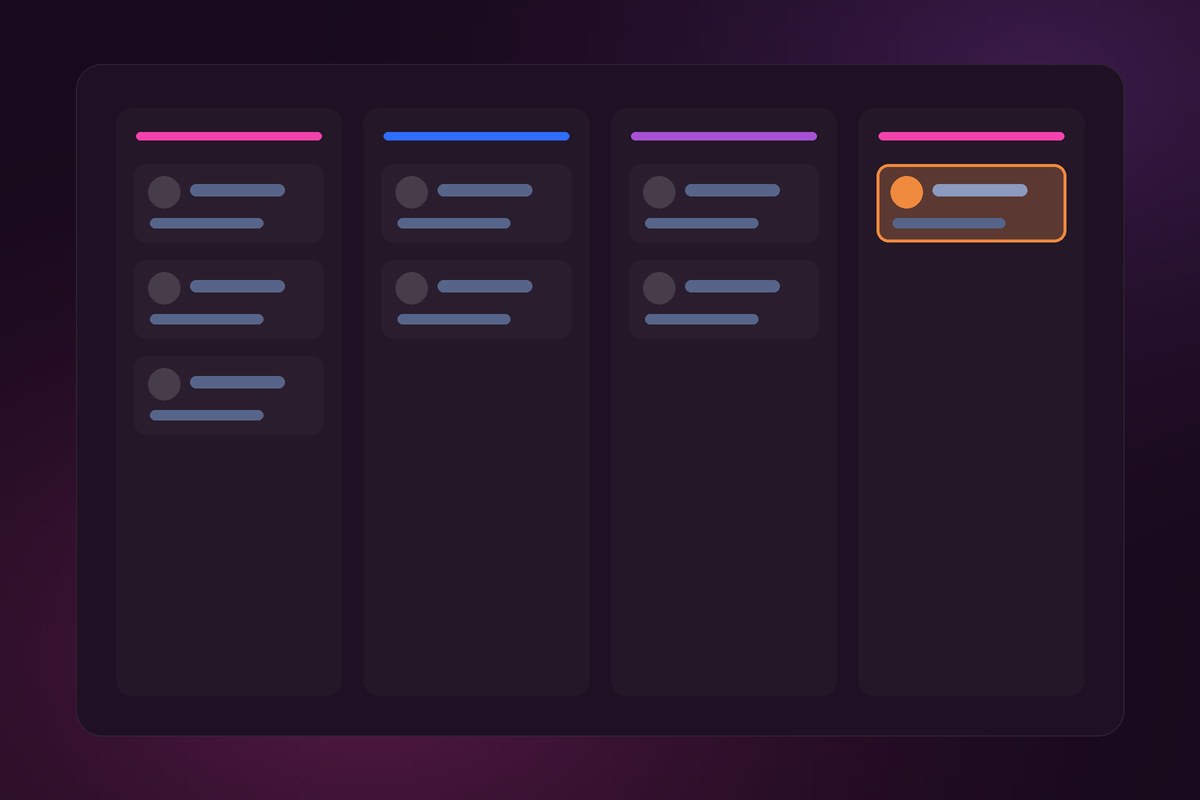
Recruitment & Hiring
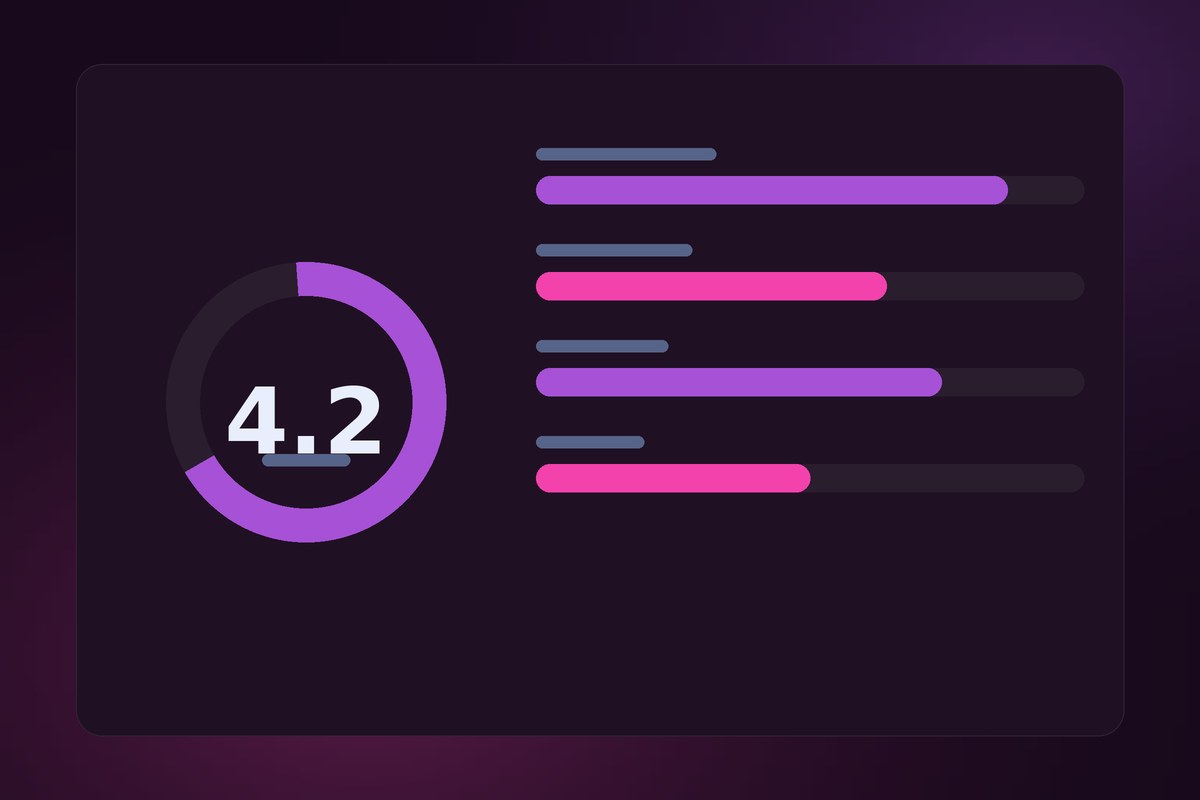
Performance & Appraisals
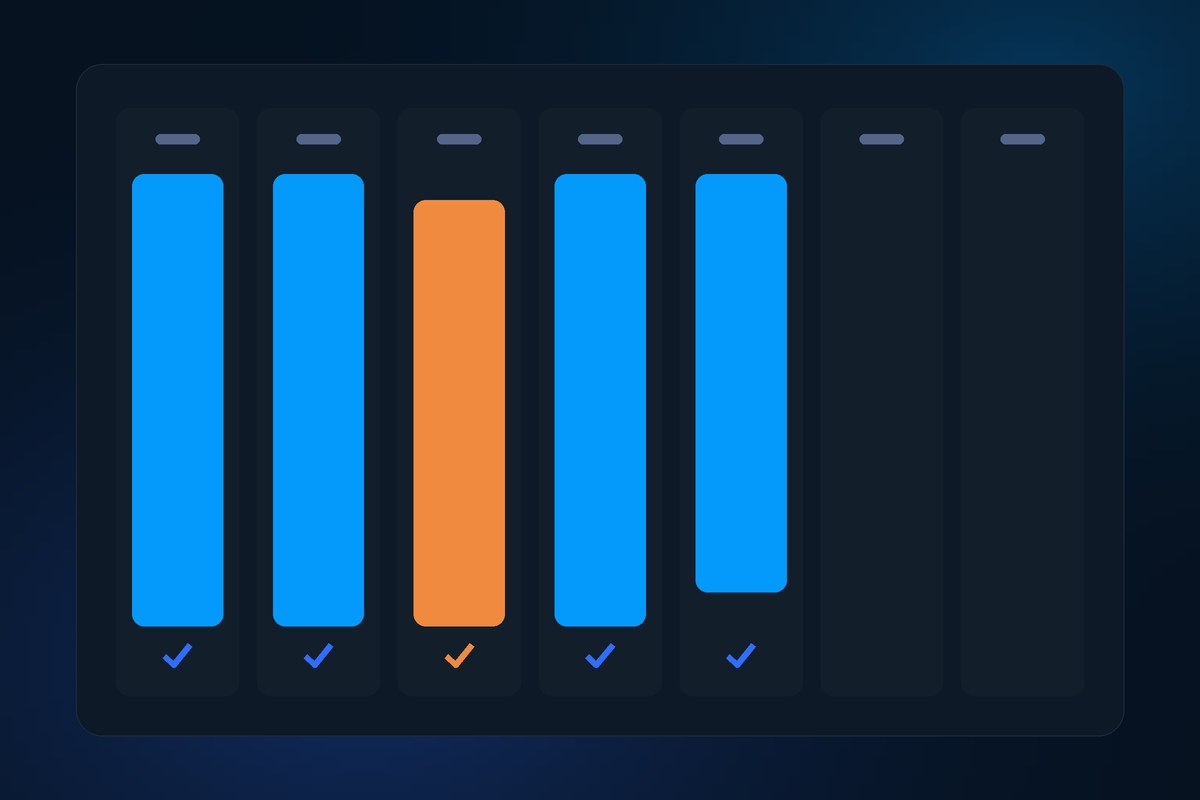
Attendance & Shifts
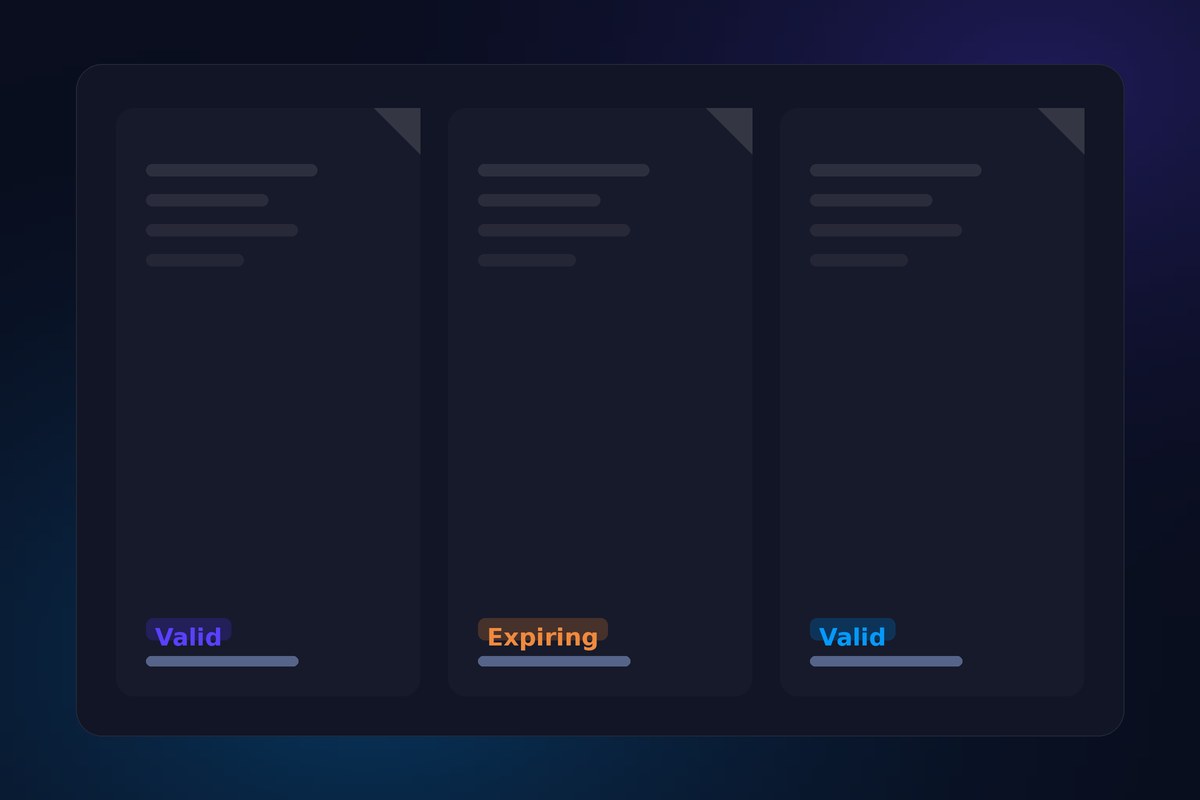
Documents & Assets
Onboarding & Offboarding
Help Desk
Payroll & Payslips
Leave Management
Biometric Devices
AI Meetings
Reports & Analytics
Task Management
Timesheets & Overtime


Built for
every branch every shift every payday
Ask in plain language
A question in, the number or the list out — with the employee card attached, not a link to go and find it.
AI Meetings
Attach the recording, get the summary and the action items — assigned, dated and tracked until they are done.

Records by chat
Add a joiner, fix a designation, approve a leave — written back through the same validation the screens use.
Permissions you can explain
Super admin, HR, manager, employee — who sees what is decided once, in one role model, and every screen, export, report and answer from the assistant obeys it. Nobody has to remember which report leaks salaries.
- Scoped to the chart
Company, branch, department, team — access follows the structure you set.
- Approval chains
Leave, expenses, appraisals and offers route to the right approver.
- The AI sees less, not more
The assistant answers within the asker’s own permissions.
- Audit trail
Who changed what, when, and from where — kept, not overwritten.
Leave that follows your policy
Set the types, the accrual and who approves what. Balances move the moment an approval lands, and the team calendar shows it before anyone asks.
Many companies, one login
Run branches, or whole entities, side by side. Switch context without switching systems — and keep each one’s people, payroll and numbers apart.
From job post to signed offer
Post the role, collect applications, move candidates through your stages, schedule the interviews and issue the offer. When it is signed, the candidate becomes an employee record — no one types the same name twice.
Reports that answer back
Headcount, attrition, overtime by branch, cost per department, KPI scores at appraisal time — built from the records themselves, exported the minute someone asks for them.
Documents & assets
Contracts, IDs and issued equipment, attached to the person and expiring on schedule.

Runs on your hardware
Node, MySQL and a local model, deployed on your own server or private cloud. The assistant runs through Ollama beside your own database — so no question, answer or payslip ever leaves the network.
Help desk, in-house
Employees raise a ticket, HR works the queue, and the answer stays next to the record it was about — not in someone’s inbox.

Bring your spreadsheets
Employees, salaries and balances come in from the files you already keep — mapped once, checked before a single row is written.
Frequently asked questions
Can it run entirely on our own servers?
Yes. The API, the database and the model behind the assistant all install on your hardware or your private cloud. There is no outside service holding your employee data, and no per-seat cloud bill attached to it.
Does the AI send our data anywhere?
No. The assistant runs a local model through Ollama on your own machine. It never sees a raw query, never decides what to read on its own, and only reaches the data the person asking is already allowed to see.
What comes with a deployment?
- Every module — core HR, time and pay, talent, operations
- The HR Assistant and AI Meetings
- Role-based access, approval chains and audit logs
- Import of the employee data you already have
- Setup with your own admins — branches, roles, shifts and leave policy configured against how you actually work.
How do the biometric devices connect?
ZKTeco readers push punches straight into attendance, matched to each employee’s device ID on their record. Web and mobile punches land in the same place, each tagged with where it came from, so a correction is a request rather than an argument.
Who is it built for?
Companies running more than one branch, shift pattern or entity — where attendance lives in one place, leave in another and payroll in a spreadsheet that somebody rebuilds every month. If HR spends the first week of the month reconciling instead of hiring, this is aimed at you.