

AI — Chat-Driven Records
Manage Employee Data by Typing
Create, update, search and approve HR records in plain language — no forms, no menus, no multi-screen workflows.

Core Concept
Traditional HR systems make you hunt through menus and forms to change a single field. Chat-driven records replace that with a request: type what you need changed, found or approved, and AIVA carries out the correct action on the right record — turning a multi-screen workflow into one line of text.
How It Works
Type the Request
Describe what you need — a new employee record, an updated field, a search, an approval — in plain language.
AIVA Finds the Record
The request is matched to the correct employee, department or entry automatically.
The Action Happens
The record is created, updated or approved immediately, with the change reflected everywhere it's referenced.
What You Can Do
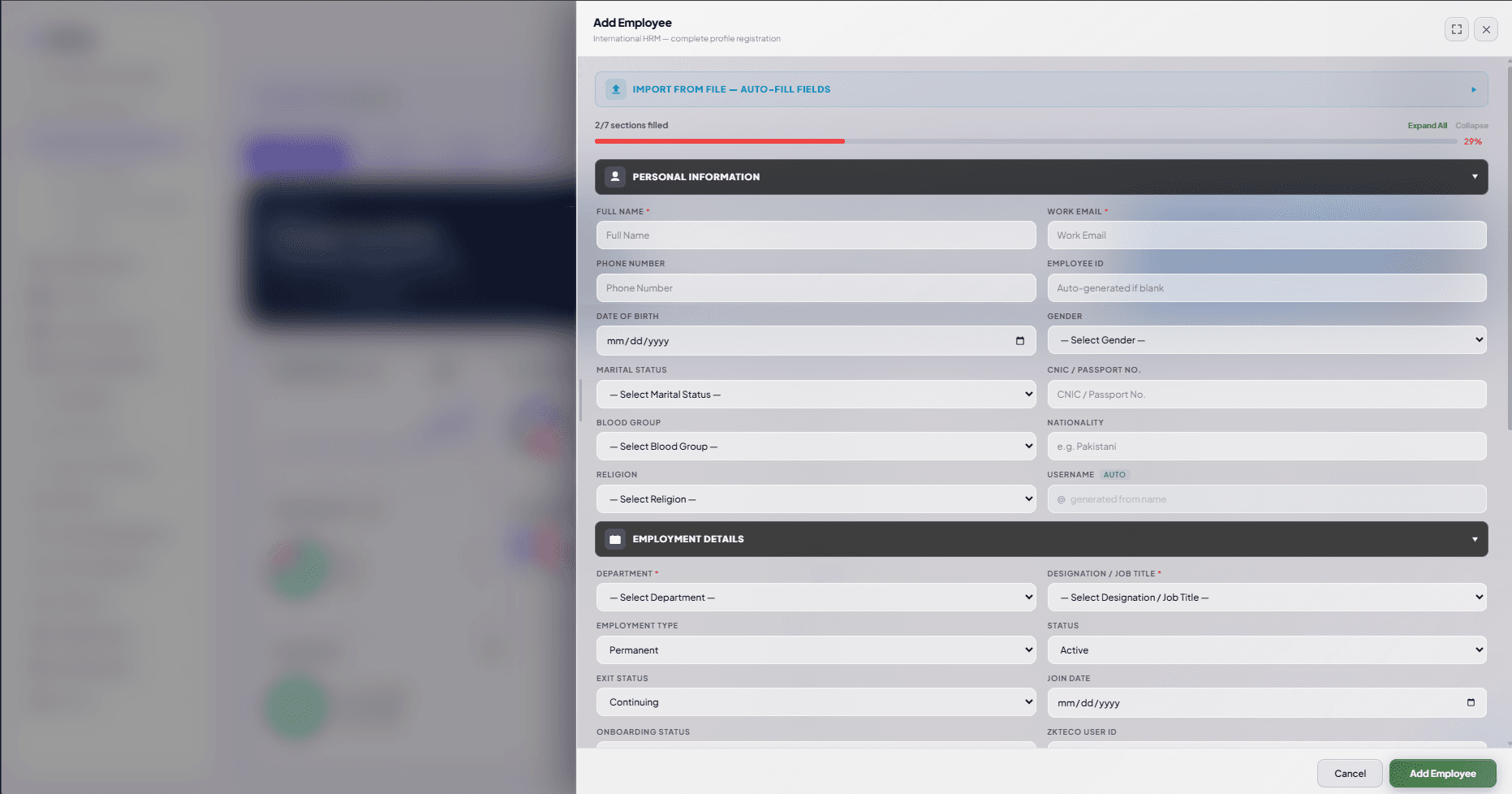
Create Records
Add new employees or entries without opening a blank form.
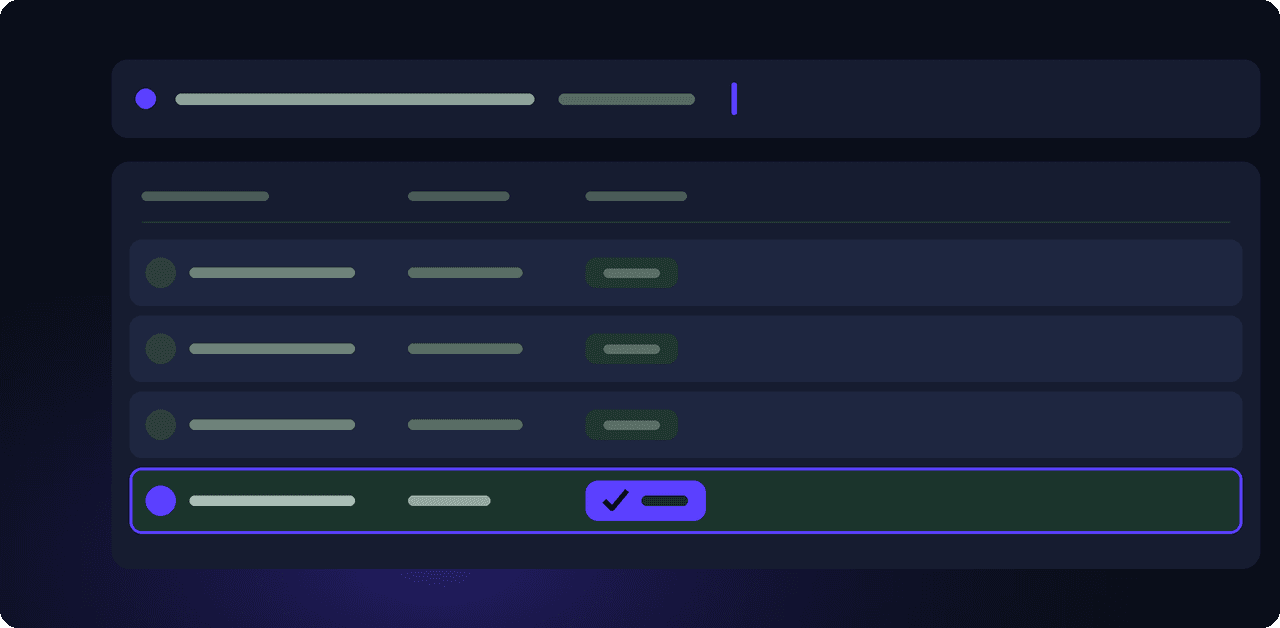
Update Records
Change a role, department, policy or detail with a single typed request.

Search Records
Find any employee, document or entry by describing what you're looking for.
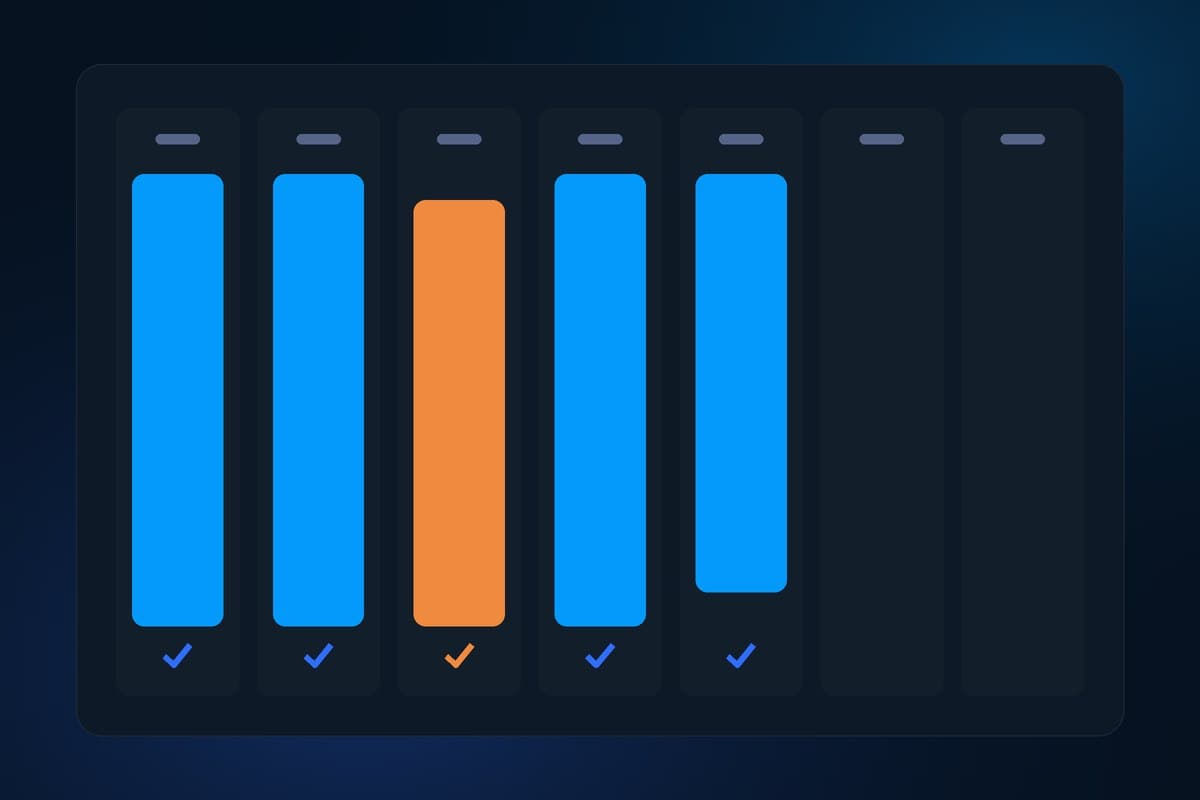
Approve Records
Approve leave, expense or other requests directly from a typed instruction.
FAQ
Does this replace the standard record screens?
No — the standard screens are still there. Chat-driven records give you a faster way to do the same actions.
What happens if AIVA isn't sure which record I mean?
It asks a clarifying question rather than guessing, the same way a person would.
Is every field editable this way?
Most day-to-day fields are — anything requiring extra approval still follows your existing workflow.
See Chat-Driven Records in Action
Manage employee data as fast as you can type.